















OnePlus Ace 6T (PLR110) Convert to OnePlus 15R (Global) – Unbrick & Flash Guide
Convert OnePlus Ace 6T (PLR110) to OnePlus 15R Global ROM with this complete flashing guide. Download firmware, MSM tool, and drivers to fix bootloop, unbrick dead phone, and install OxygenOS with Google services and improved global network support.
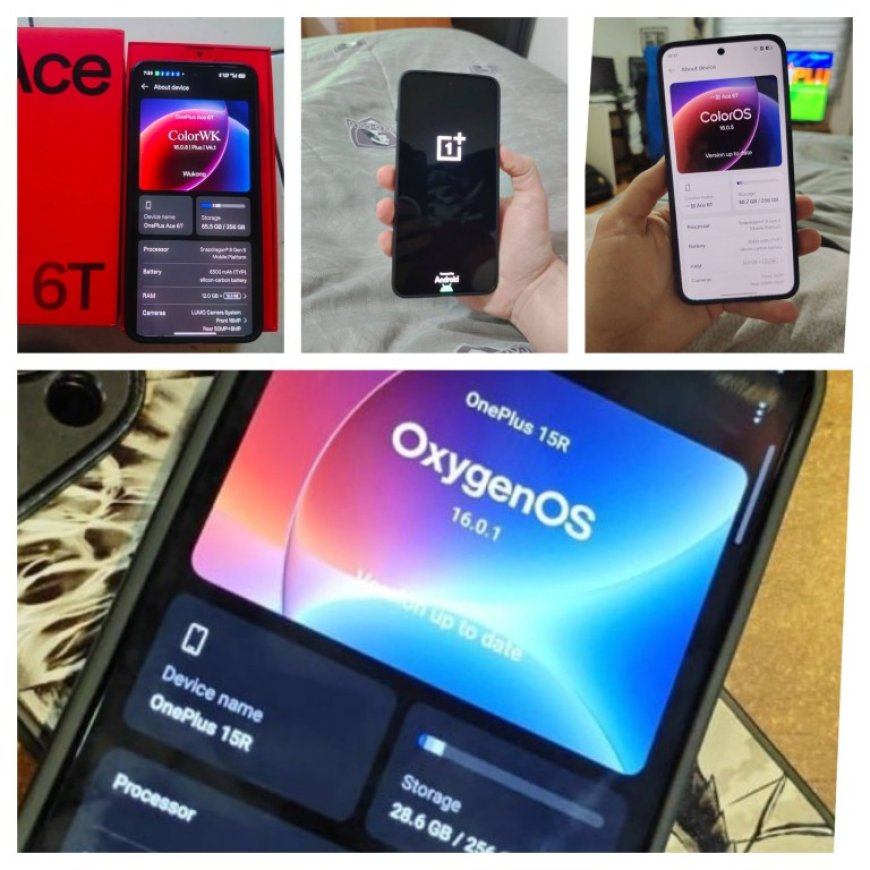
The OnePlus Ace 6T (PLR110) is a powerful flagship device designed for high performance, smooth multitasking, and gaming. Many users prefer converting the Chinese variant to Global ROM (OnePlus 15R) to get better usability, Google services, and global network compatibility.
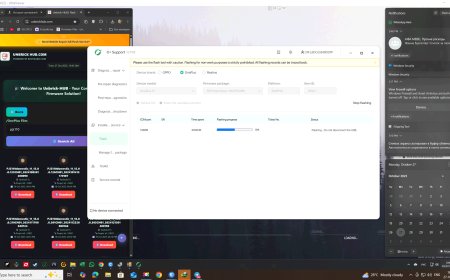
This guide helps you safely convert, flash, and unbrick your device using O+ SUPPORT TOOL
Contact Details
|
Telegram Account : @root_op
Whatsapp Me For Service Phone : +91 8349345189
Telegram Group Client FeedBack : @Root_mobiles |
About OnePlus 15R (Global)
- AMOLED Display with high refresh rate
- Flagship-level Snapdragon chipset
- LPDDR5X RAM & UFS storage
- OxygenOS (Global Version)
- Google Play Services Supported
- Better network compatibility (India & Global)
⚡ Benefits of Global ROM Conversion
- Remove Chinese apps & bloatware
- Enable Google Play Services
- Improve signal & network stability
- Fix lag, bugs, and heating issues
- Unbrick dead or stuck device
- Get cleaner UI experience
Advantages of Stock ROM
- Fix bootloop / stuck logo issue
- Restore device to working condition
- Upgrade or downgrade firmware
- Remove root access
- Improve performance and stability
How To Convert OnePlus Ace 6T (PLR110) to Global ROM
- Download firmware and extract files
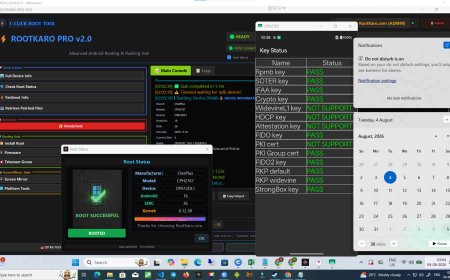
- Open MSM Download Tool
- Click on Start All
- Power off your device
- Press Volume Up + Volume Down and connect USB
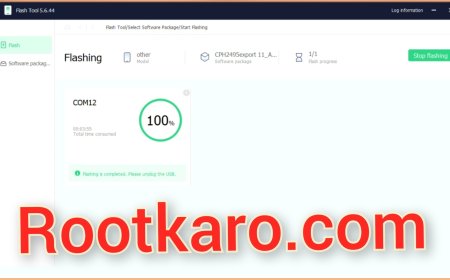
- Flashing will start automatically
- Wait until process completes
⚠️ Important Notes
- Install USB drivers if device not detected
- Use original cable and stable USB port
- Do not disconnect during flashing
- Backup your data before starting
❗ Common Errors Fix
- Device not detected → Install drivers
- Sahara error → Use correct firmware
- Stuck at flashing → Reconnect in EDL mode
✔ Remote Flashing Support Available
✔ Safe & Tested Method
✔ Instant Help for Errors
Convert your OnePlus Ace 6T to Global ROM and enjoy a clean, fast, and fully functional experience